Take the order.
Menus, modifiers, tables, and tabs. Show us how your team serves guests at the counter, at the bar, and on the floor.

Genius for Restaurants
Connect your counter, tables, and kitchen with a Genius setup built around your service.
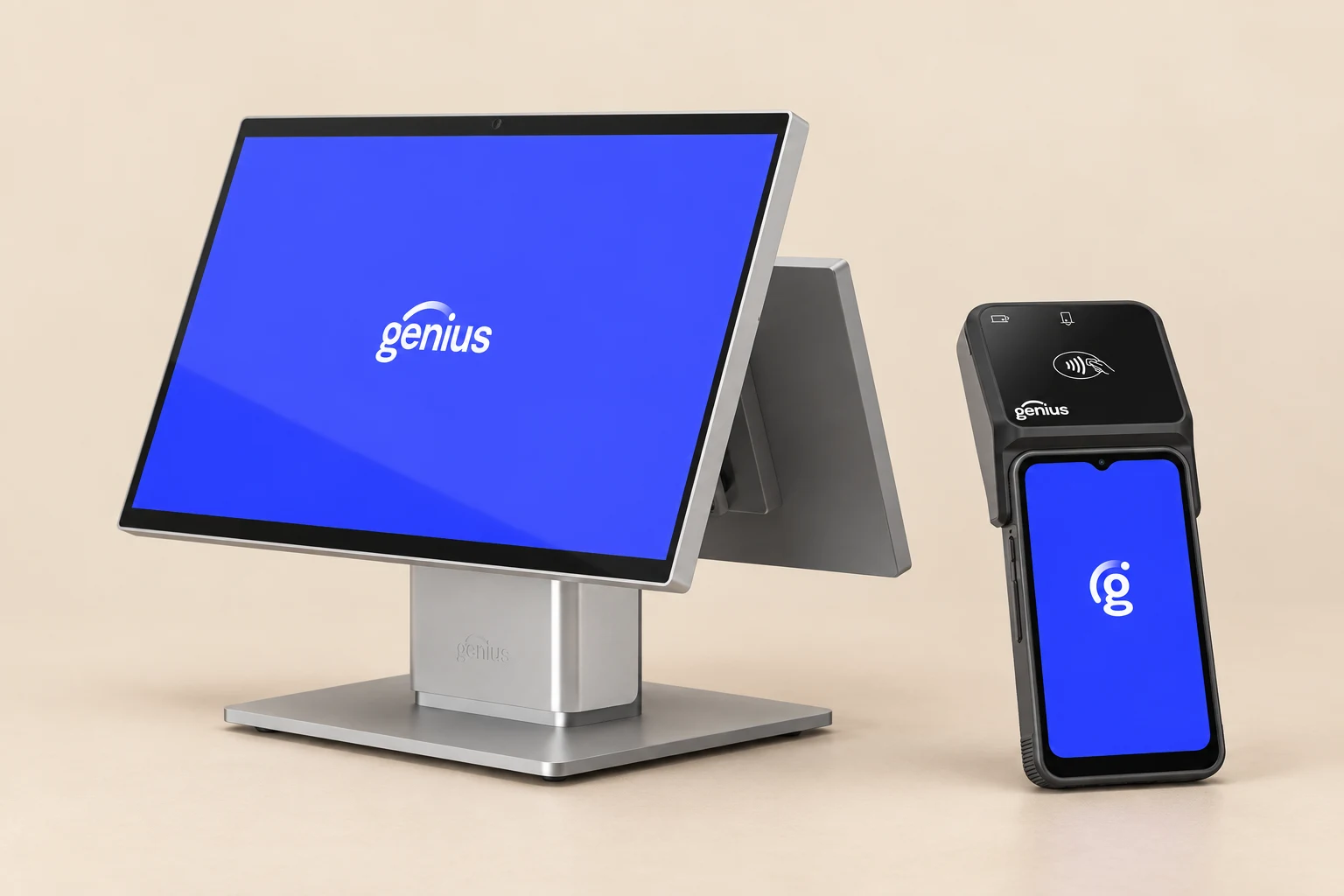
Menus, modifiers, tables, and tabs. Show us how your team serves guests at the counter, at the bar, and on the floor.
Map how orders reach each station, including kitchen displays, printers, and preparation areas.
Review the reports, permissions, tips, and closeout routines you need to run the business.
Show us how your team serves guests at the counter, at the bar, and on the floor.
Map how orders reach each station, including kitchen displays, printers, and preparation areas.
Review the reports, permissions, tips, and closeout routines you need to run the business.
Choose the hardware around your workflow and space.
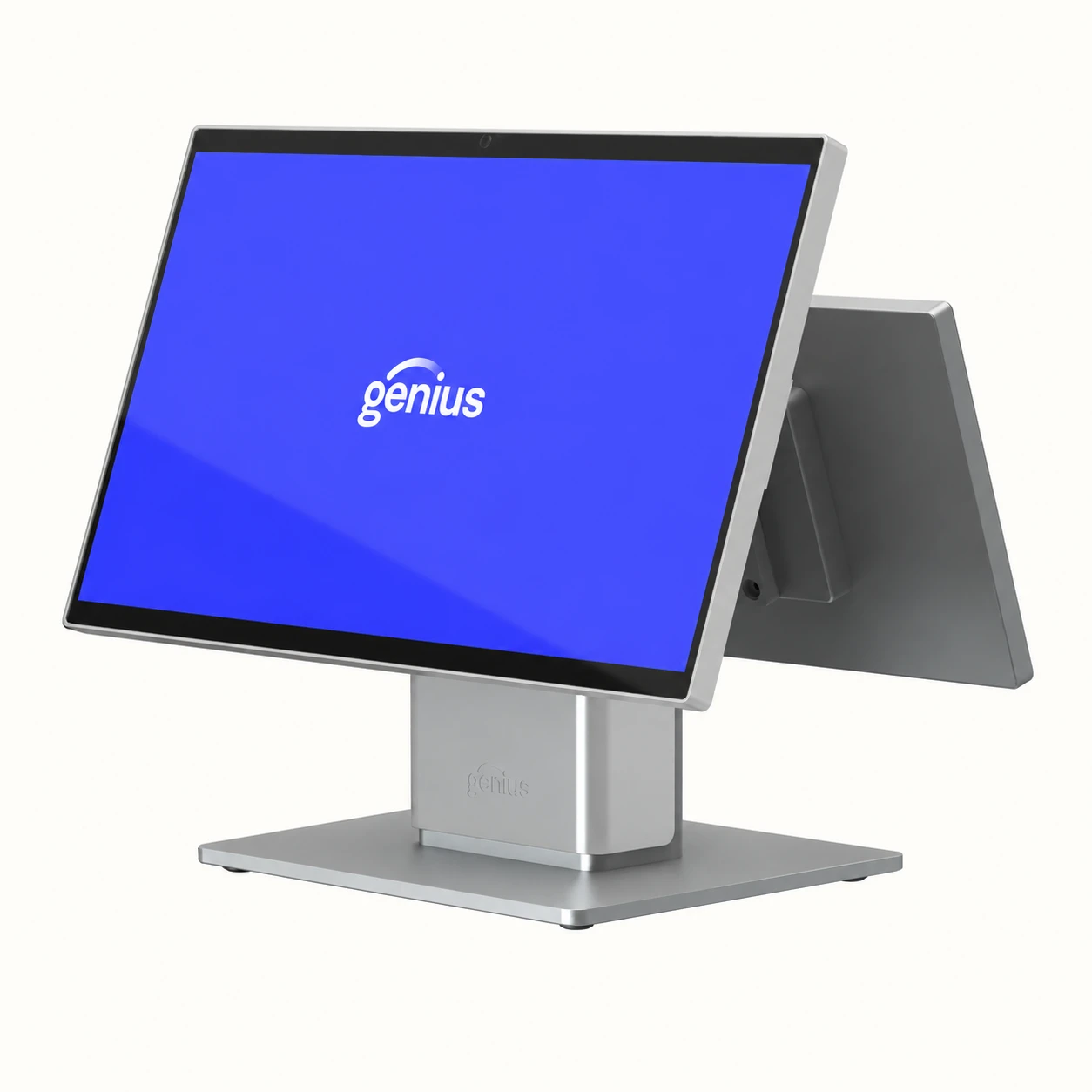
At the counter
A dedicated POS station for your counter, bar, or server station.
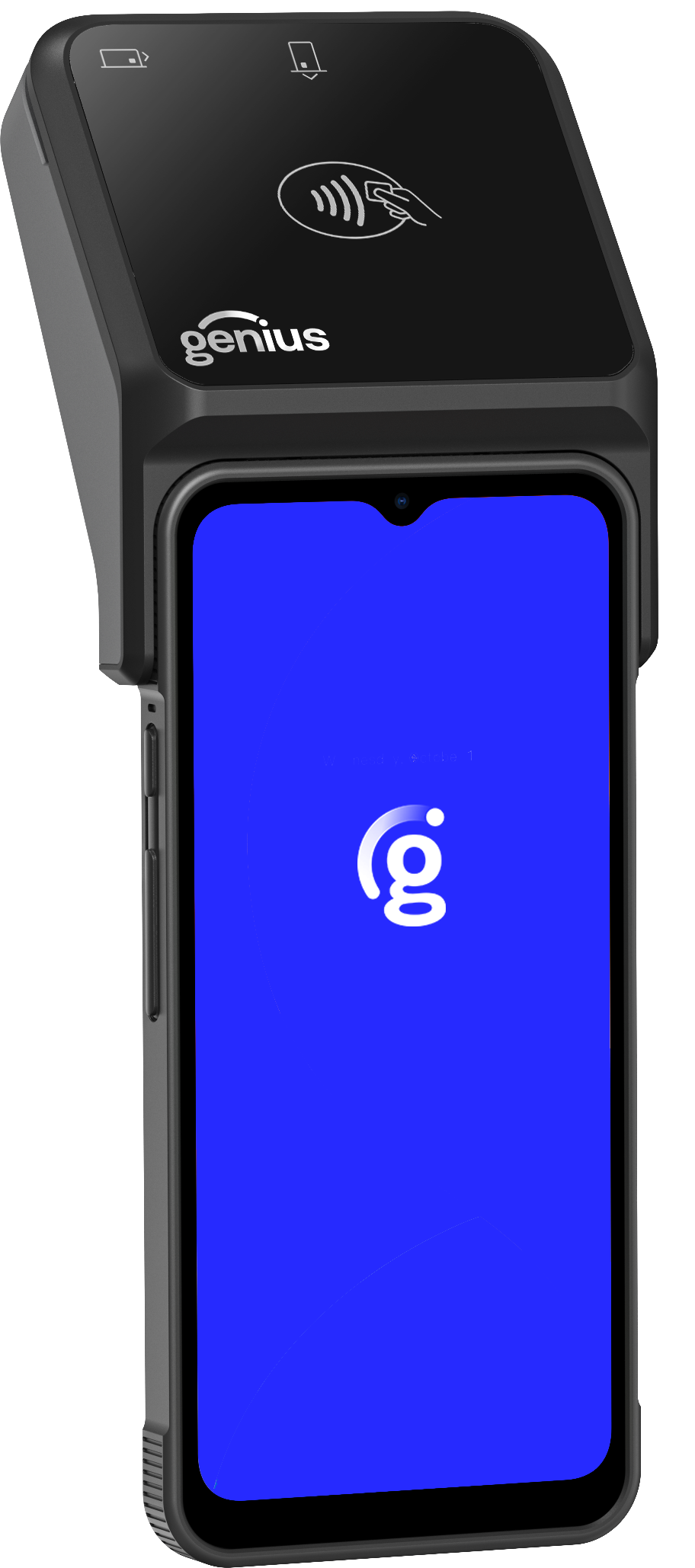
At the table
Extend your GC26 countertop setup with POS and payments at the table. Handheld 2.5 is used alongside the countertop.
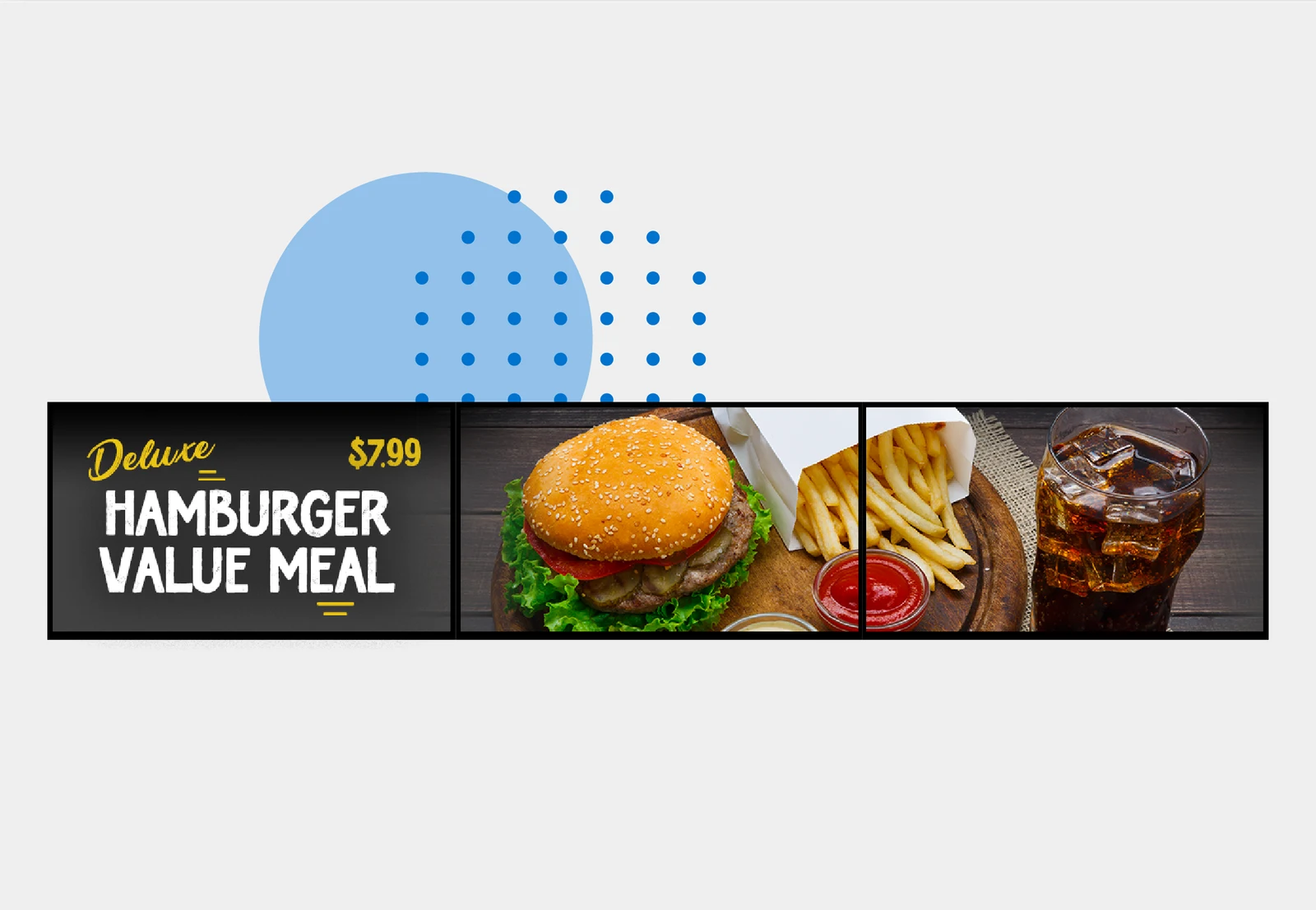
Above the counter
Bring your menu to life and keep guests up to date.
The software behind your service
Take orders online and build menu choices around the way your restaurant serves.
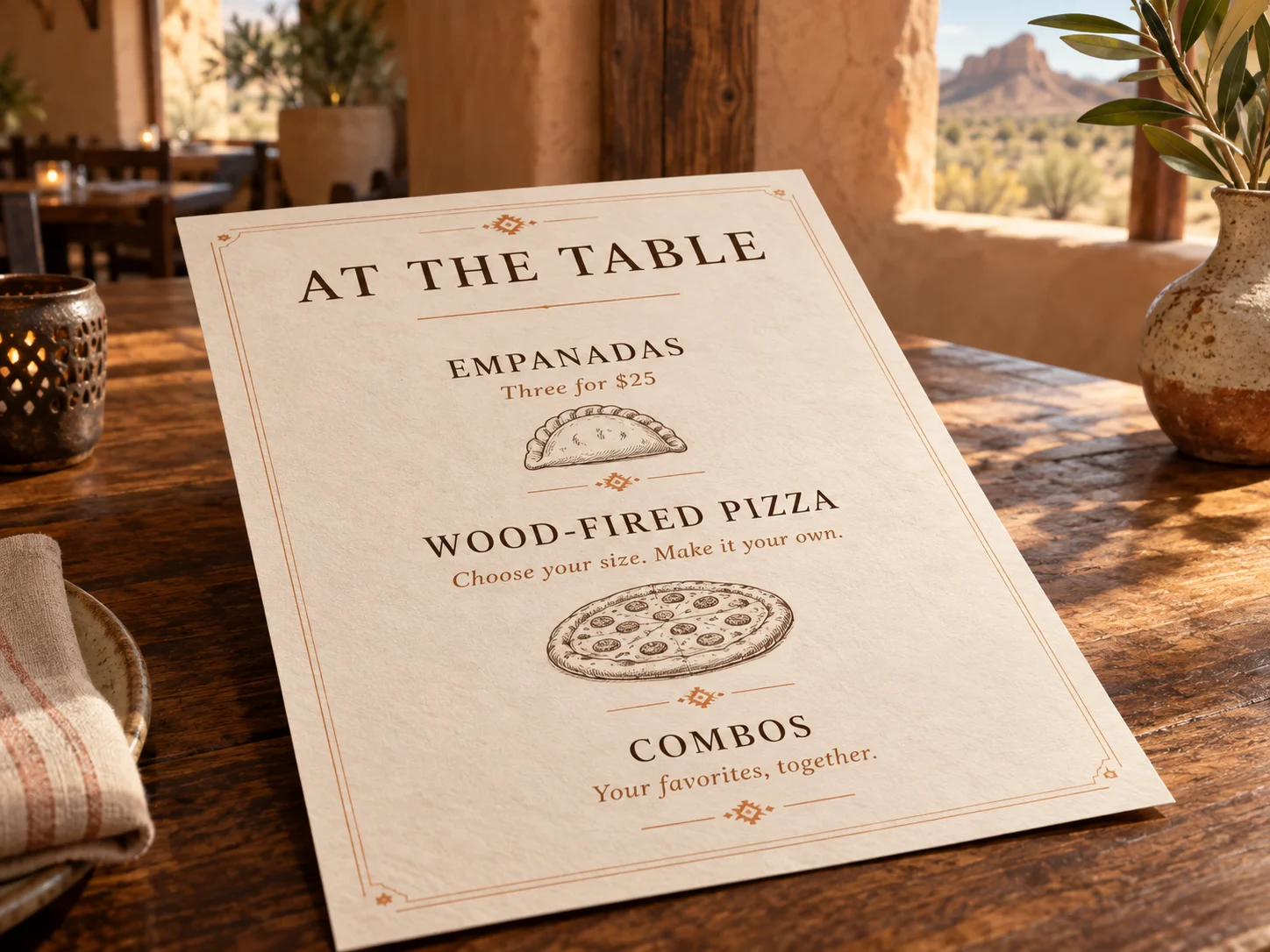
Made to match your menu
Explore the controls behind each order.
Program custom modifier instructions and pricing multipliers to match how you prepare and charge for an order.
Add unlimited sizes with custom names and prices. Set a default size and quantity prompts where needed.
Configure a combo’s sub-items with their own modifiers, so each part of the meal can be customized.
130+ integrations
Connect reservations, staffing, delivery, and more with your Genius setup.
Availability varies by Genius platform and setup. Your dealer can confirm the connections you need.
Your setup and pricing are assessed case by case. Get in touch about your restaurant.
We check your must-haves against the proposed setup before you commit.
Bring a real menu and a normal service scenario. We’ll review modifiers, routing, tabs, tips, and split checks in the proposed configuration. One location or several, the operation drives the recommendation.
We review online ordering, reporting, loyalty, and gift cards, including outstanding balances and rewards. Your proposal should make clear what connects, what moves, and what needs an alternative.
We plan display placement, VESA mounts, power, network connections, and Wi-Fi coverage around your space. We also discuss backup connectivity and outage expectations; internet failover is not the same as full offline operation.
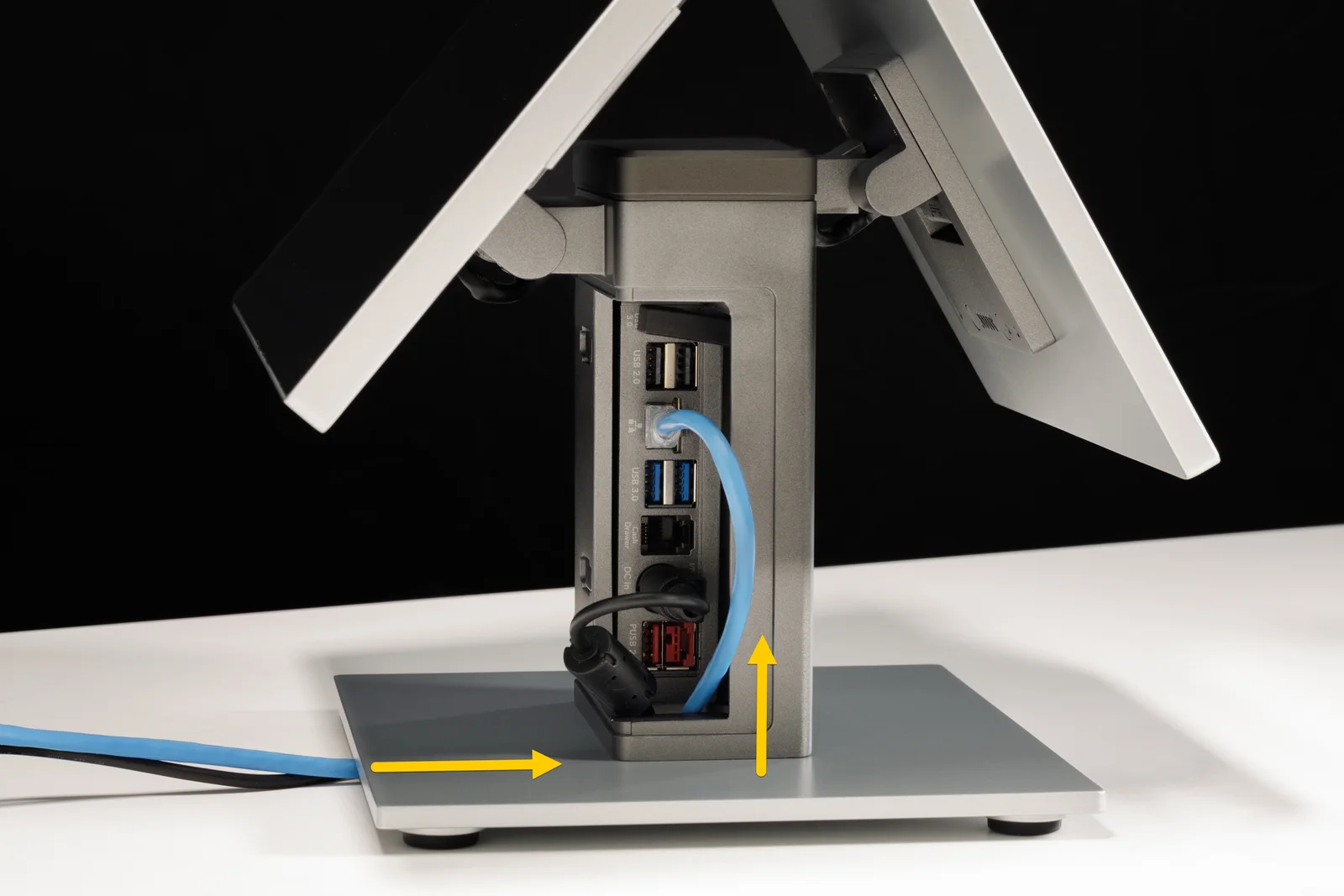
Setup costs are assessed case by case, based on your software, hardware, and installation needs. Get in touch to discuss your setup.
Features, integrations, and payment options depend on the selected Genius platform and processing configuration. We confirm availability before quoting.
Share your current POS, menu, and what you want to improve.
Confirm workflows, hardware, costs, and the transition plan.
Coordinate installation, training, and the support handoff.

Your current POS, service model, and biggest question are enough to start.
Find my Genius setup